 Build AI CV
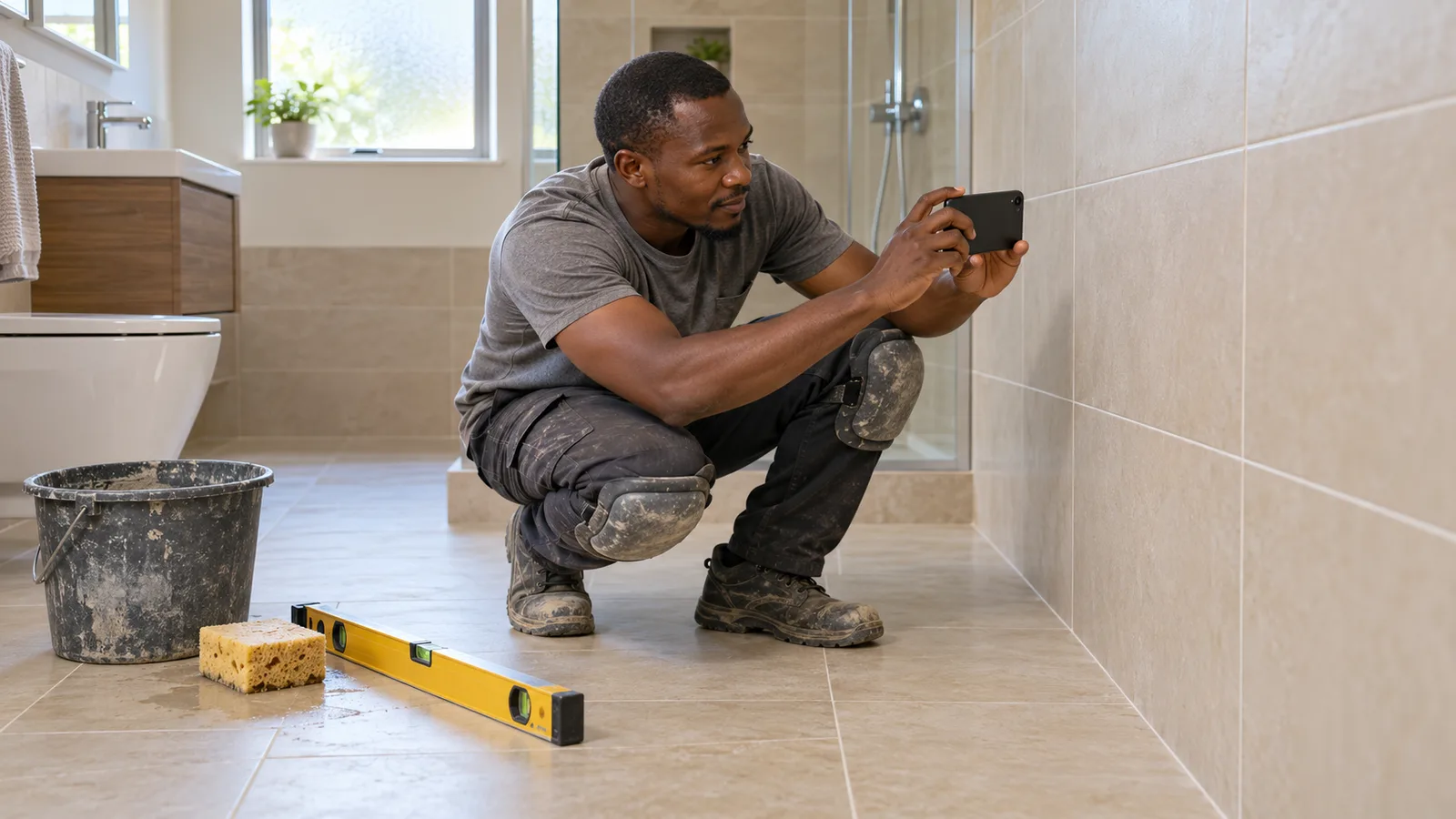
Work photos on a CV can be the fastest way to prove you can do the job, or the fastest way to look careless. A blurry phone shot of a messy site, a client's house number in the corner or a photo of work you did not lead can cost you the interview before anyone reads your duties. This article shows you which work photos to add, how many, how to take and caption them, and the mistakes that get a trade CV skipped.
It is written for welders, electricians, carpenters, plumbers, mechanics, tilers, chefs and other tradespeople whose best evidence is the work itself. The same steps help anyone applying from overseas, where an employer cannot visit your last job to see what you built.
Why work photos help a trade CV
A hiring manager in a workshop or on a building site reads dozens of CVs that say "experienced in fabrication" or "all aspects of fit-out". The words look the same on every page. A clear photo of a clean TIG weld, a neat switchboard or a finished staircase shows the standard of your work in a second, and it gives the interviewer something specific to ask about.
Photos matter even more when you apply to another country. The employer may not know your past employers, your training centre or the projects you name. A small set of good photos turns "trust me" into "here it is".
Work photos are not a profile photo
Do not mix the two up. A profile photo is a picture of your face, and in many countries employers do not expect one. If you are unsure, read why a face photo can hurt a UK CV. Work photos show the work, not you. They can still help in a country where a headshot is not expected, because they are evidence, not personal details.
Which work photos to add
Choose photos that match the job you are applying for, not simply the ones you like most. A good test: would the employer in the ad pay you to do exactly this?
Good choices for most trades
- Finished work, close up. A weld bead, a cable run, a tiled shower recess, a joinery detail, an engine rebuild on the bench. The reader should see the quality without zooming.
- Finished work, wide. The whole kitchen, the full steel frame, the switchroom. This shows scale.
- Before and after. One pair is enough. It shows the problem you solved, for example a corroded pipe run and its replacement.
- Work in progress that shows method. Formwork before the pour, set-out lines, a clean and labelled workbench. Good process photos tell an employer you work safely and in order.
- Machines and equipment you ran. A photo next to the excavator, press brake or CNC machine supports the brands and machine types listed on your CV.
Photos to leave out
- Anything that shows a client's face, home address, number plate or private documents.
- Sites or products where your employer did not allow photos. Some factories, hospitals, defence and mining sites have strict rules.
- Unsafe practice in the background: no harness at height, missing guards, no eye protection while grinding. Safety-minded employers notice.
- Team projects where you cannot say what your own part was.
- Dark, blurry or heavily filtered pictures. A poor photo of good work still looks like poor work.
How many work photos to put on a CV
Fewer, better photos almost always beat a gallery. Three to six strong pictures are plenty for most applications. Each one should show something different: a different skill, material, machine or type of job. If two photos prove the same thing, keep the better one.
Keep the CV itself short too. In many countries two pages is a common length for a trade CV; photos should support your experience, not push your licences and work history onto a third page. If you need to trim, the article on cutting a long resume to 2 pages shows what to keep.
How to take and prepare portfolio photos
You do not need a professional camera. A recent phone is enough if you follow a few simple steps.
- Ask first. Check with your employer or client that you may photograph the job and use the pictures when applying for work. A short message is enough, and it protects you later.
- Clean the area. Sweep up offcuts, move the bins and wipe the surface. Ten seconds of tidying changes how the whole photo reads.
- Use daylight. Shoot near a window or outside, with the light behind you. Avoid flash on shiny metal or tiles.
- Hold the phone level and fill the frame. Take one close-up and one wide shot of each job.
- Remove private details. Crop out house numbers, faces, logos and paperwork before you save the final copy.
- Keep the originals. Save them in one folder with the date, location and job name, so you can answer questions about them in an interview.
Write a one-line caption for every photo
A photo without a caption leaves the reader guessing. Say what it is, what you did and one detail that proves skill: material, size, standard or time.
Example: "Stainless steel handrail, 316 grade, TIG welded and polished. I fabricated and installed it with one apprentice over 3 days."
Example: "Switchboard upgrade in a 3-storey office block. I did the full rewire and testing, signed off by my supervisor."
Use "I" for the parts you did, and say "the team" only when it was a shared effort. Never claim a whole project if your part was one stage of it.
Where work photos go on a CV
Put photos after your work experience or in a short "Work portfolio" or "Recent projects" section. The top of page one belongs to your name, contact details, target job, licences and a short career profile. The employer should know who you are before they look at pictures.
Connect each photo to the matching job in your experience. If your duties say "fabricated stair stringers and balustrades", the photo of the balustrade should sit close to it or carry the same project name. The article on writing tickets, processes and projects on a boilermaker resume shows how to describe the work in words first.
When to use a link instead
Some large employers send CVs through online application systems that read text only. If the ad asks for a plain CV or you are applying through a big company's portal, send a simple text-based version and add a link to an online folder of your photos. Check the folder's sharing settings so anyone with the link can open it, and test it from another device.
Short videos can do what a photo cannot: show a machine running or explain a job in your own voice. If you want to record a short self-introduction to send with your application, SelfIntroVideo is an app that helps you prepare a script and record it with a teleprompter.
Adding work photos with Build AI CV
Build AI CV lets you add work photos to a CV: 3 per CV on the free plan and up to 12 with a Pro Pass. They appear as neat cards in the PDF, and links to work videos show as thumbnail cards that open with one click. The Technical / Trades template, one of the Pro templates, puts your skills, licences, tools and brand experience in a snapshot panel up front, and the free Classic and ATS Plain templates still download at no cost. You can compare the options on the features page, see the Technical / Trades template and check what each plan includes on the pricing page.
Choose your three to six best photos, write the captions above, then build your CV free and check the PDF pages before you send it.
A quick checklist before you send
- Every photo matches a skill or duty in the job ad.
- Each one shows something different.
- Every photo has a one-line caption that says what you did.
- No faces, addresses, number plates, logos or private papers.
- You had permission to take and use each photo.
- Safety gear and safe practice are visible where they matter.
- The CV still reads well without the photos: skills, licences and experience come first.
Frequently asked questions
Should I put work photos on my CV if the job ad does not ask for them?
For hands-on trades, a few strong work photos usually help, because they show the standard of your work. For large employers that ask for a plain CV, send a text-only version and keep the photos in a shared folder link.
Is it legal to use photos of work I did for an employer?
It depends on your employer's rules and any confidentiality agreement you signed. Ask first, and leave out anything showing clients, addresses or private information.
Do work photos replace references?
No. Photos show the result, while a referee confirms you did the work and how you worked with others. Use both.
Can I use photos from my apprenticeship?
Yes, if they show skills the new job needs and you caption them honestly, for example "Apprenticeship project, year 2". Replace them with newer work as you build your portfolio.


