 Build AI CV
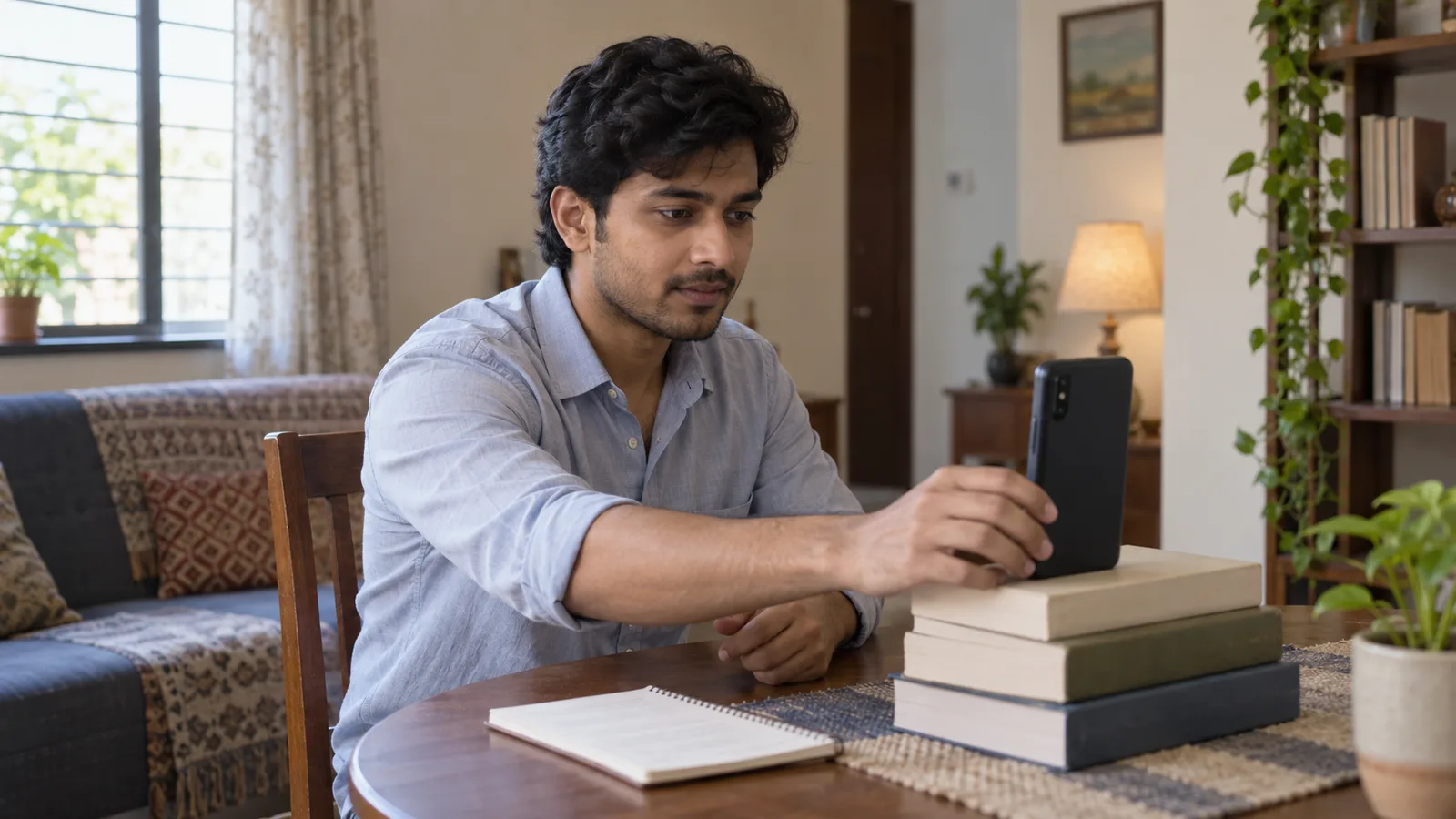
An employer screening forty applications for one overseas role has to guess, from text alone, who can speak clearly and who might struggle in an interview. A short self-introduction video answers that question before they ask it, and for many jobseekers applying from another country, that is the difference between a CV that gets opened and one that gets skimmed. Here is how to record one that actually helps, and how to add it to your CV without it looking out of place.
Why a short video helps overseas applicants
A CV lists your experience; a video shows how you communicate. For roles where the employer is sponsoring a visa, arranging relocation or hiring sight unseen, hearing you speak for 30-60 seconds can answer questions a reference check would otherwise have to cover later: your spoken English, your manner, whether you sound like someone the team wants on site from day one.
It is not required for most applications, and a CV without one is not weaker. It is most useful when you are applying to a country you have not worked in yet, or to a role where clear verbal communication with customers, patients or a site team matters.
What to say in 30-60 seconds
Keep it short and plan it before you hit record. A simple structure that works for most trades and professions:
- Your name and current role or trade. Example: “My name is Priya Fernando, I’m a registered nurse with six years on medical-surgical wards.”
- One or two things you are strongest at. Pick what the job ad actually asks for, not a general list.
- Why this move or this role. One honest sentence: relocating with your family, ready for a new country, looking for a long-term role in your trade.
- When you can start. Notice period, visa status if relevant, or availability.
Write these four points on a card, read them over twice, then record without reading word for word. A little hesitation sounds more natural than a stiff script.
Recording it on your phone
You do not need a studio. A few things make a real difference:
- Light: face a window during the day rather than sitting with a window behind you.
- Background: a plain wall or tidy room; avoid a cluttered kitchen or a noisy street.
- Sound: record somewhere quiet; phone microphones pick up fans, traffic and other people talking.
- Framing: hold the phone upright, head and shoulders in frame, phone at eye level rather than looking down at it.
- Length: aim for 30-60 seconds. Record it two or three times and keep the clearest take.
You are not being judged on production quality. A steady, well-lit phone video that is easy to hear beats an edited one with music or effects.
Where to host it and how to share the link
Keep the video itself off your CV; only the link belongs there. Upload it to a video site or cloud folder you already use (YouTube, Vimeo, Google Drive, OneDrive or Dropbox) and set the sharing permission to “anyone with the link can view” before you send anything. A private link that asks the employer to request access usually just does not get opened.
Test the link yourself from another device or an incognito browser window before you apply. A broken or locked link looks worse than no video at all.
Adding the link to your CV
On Build AI CV, paste your video link into the self-introduction video field and it shows as a play button on your profile photo in the PDF (see how it looks on the features page) so an employer can watch it with one click, right from the document, without you hosting anything yourself. It works with YouTube, Vimeo, Google Drive, OneDrive, Dropbox, Loom and most other video links, and warns you if a link looks like it points to a folder instead of a video. The video itself is never stored on Build AI CV; you keep it wherever you uploaded it, and only the link travels with your CV.
If you also have photos or short videos of your work, such as finished jobs, equipment you operate or a project you delivered, these can appear as separate work video cards alongside your main introduction, which is useful for trades and hands-on roles where showing the work says more than describing it.
What to avoid
A few things undercut a good video:
- Reading a full script word for word; it comes across as stiff rather than confident.
- Recording in a noisy or dark room, which makes an employer give up partway through.
- Going over 90 seconds; busy readers will not finish it.
- Sharing a link that needs a password or a request, which most employers will not chase.
- Treating the video as a cover letter substitute; it supports your CV, it does not replace your work history or skills section.
Frequently asked questions
Is a self-introduction video required to apply for jobs?
No. On Build AI CV the self-introduction video field is optional, like on most job applications. It can help for overseas or customer-facing roles, but a strong CV without one is still a complete application.
Can I re-record it later if my situation changes?
Yes. Since only the link is on your CV, you can replace the video at the source (your video site or cloud folder) at any time without editing your CV again, as long as the link stays the same, or you can update the link field with a new one.
What if I am not confident speaking English on camera?
Write your four points first, practise reading them aloud a few times, then record once you feel steady. A short, clear, slightly slow video is better than a longer one rushed through nerves. Recording two or three takes and picking the calmest one usually helps more than trying to get it perfect on the first attempt.
Does a video help with the ATS or applicant tracking systems?
No, a video link does not affect how an applicant tracking system reads your CV text; it is read by a person once your CV has already been shortlisted. Keep your CV itself readable by an ATS separately (see the ATS CV checker) and treat the video as an extra for the human reviewer.
Should I add a video for every application?
Only if it helps for that role or country. For a local application where the employer already knows the market and your experience speaks for itself, it is optional; for an overseas or visa-sponsored role, it is often worth the extra minute to record.
Key takeaways
- A 30-60 second self-introduction video can help overseas applicants, especially for visa-sponsored or customer-facing roles.
- Plan four points: name and role, your strongest fit, why this move, when you can start.
- Record in good light, a quiet room, at eye level; two or three short takes beat one long one.
- Host the video yourself (YouTube, Vimeo, Google Drive, OneDrive, Dropbox) with “anyone with the link” sharing, and test the link before you apply.
- On Build AI CV, the link becomes a play button on your profile photo in the PDF; build your CV free to add yours.


